
LEKGA CUSTOMER CARE
Your installation guide
Use the instructions included with your selected kit. Installer appearance can vary by phone model.
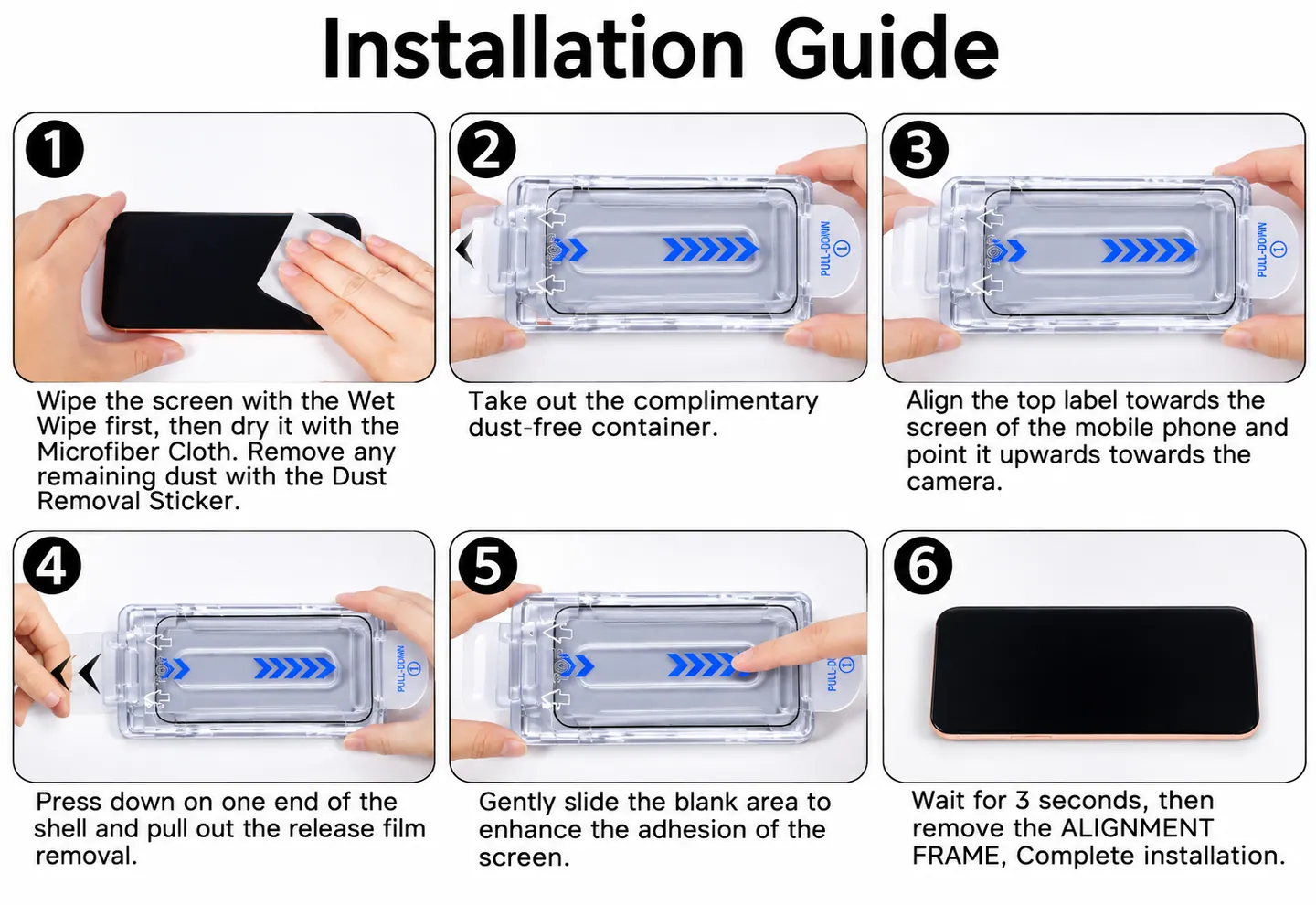
1. Prepare your phone
Confirm that the protector matches your phone model. Remove any existing screen protector and prepare a clean, well-lit workspace.
2. Clean the screen
Clean and dry the screen, then remove visible dust before fitting the installer.
3. Align and apply
Follow the supplied installer sequence. Keep the phone stable while the protector settles, then check the edges.
4. Keep your spare
Your AR kit includes a spare screen protector. Store it safely with the kit information.